
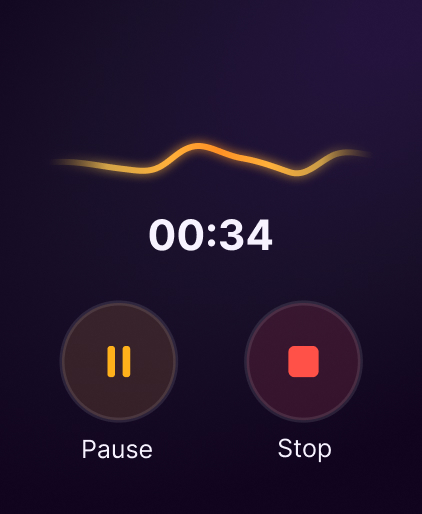
Apple Watch recording
Quick capture from the wrist
Capture a thought while you are moving, then continue the memory workflow on iPhone with a readable AI summary.
Apple Watch voice notes
Capture thoughts from your wrist before they disappear.
Capture a thought, idea, reflection, or work recap from your wrist, then turn it into a clear AI summary on iPhone with Voice Memory.
Built for short personal voice notes, not long meetings or calls.
Why it matters
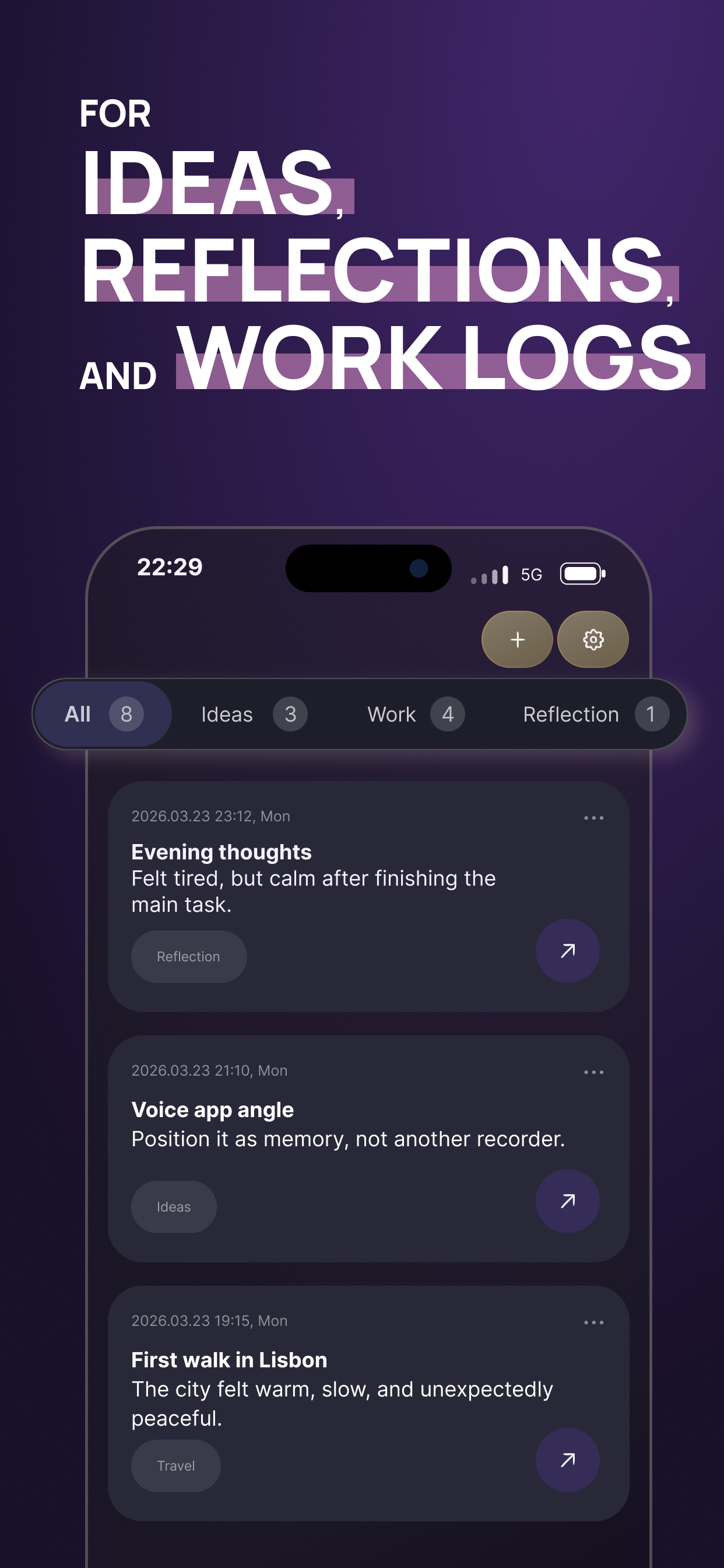
Ideas show up while walking, commuting, cooking, packing, or moving between tasks. By the time you unlock your phone and open a notes app, the thought may already be gone.
With Voice Memory on Apple Watch, you can start with your voice and organize the thought later.
Apple Watch recording
Capture a thought while you are moving, then continue the memory workflow on iPhone with a readable AI summary.
How it works
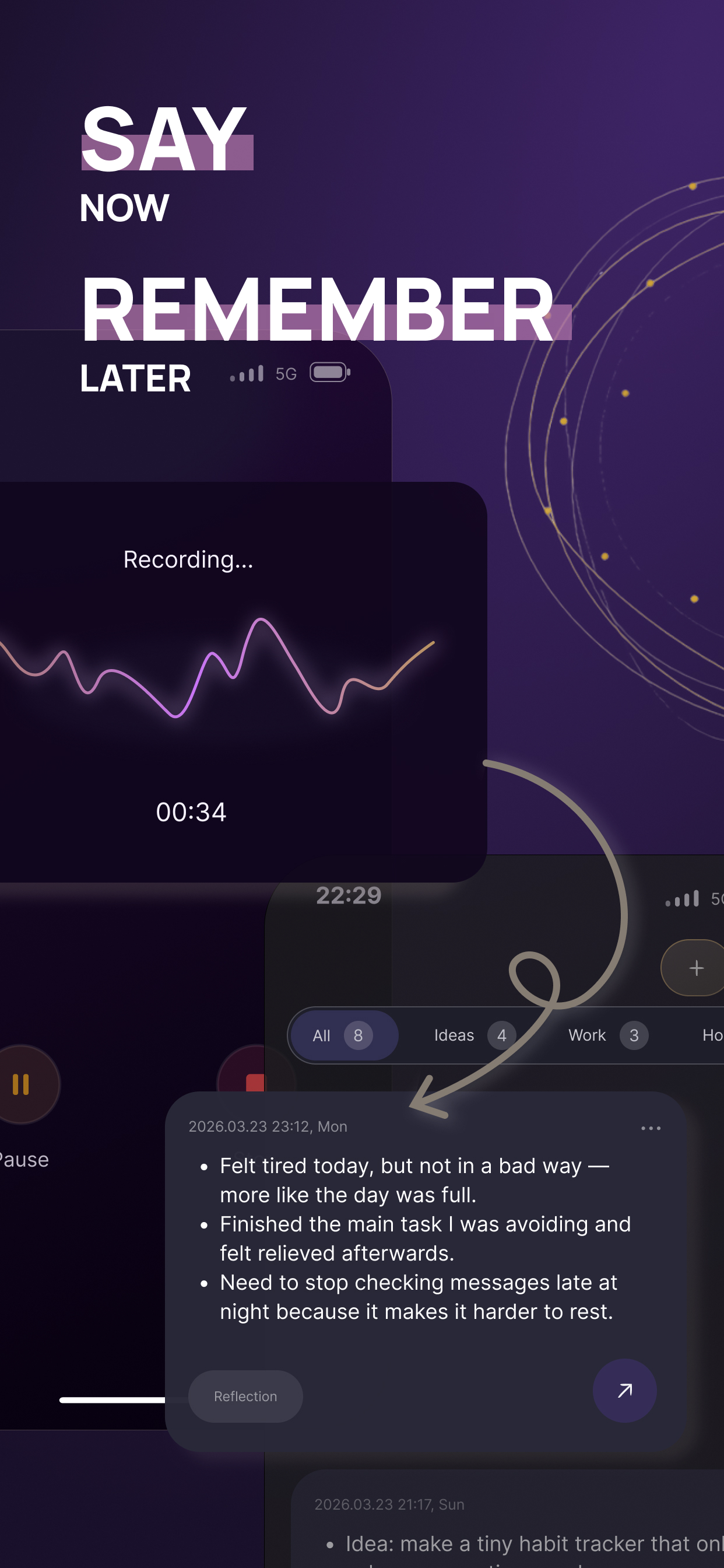
Record on Apple Watch, continue on iPhone, and save a summary, transcript, and audio so the memory stays useful later.
Open Voice Memory on Apple Watch and capture a short thought, idea, reflection, or reminder.
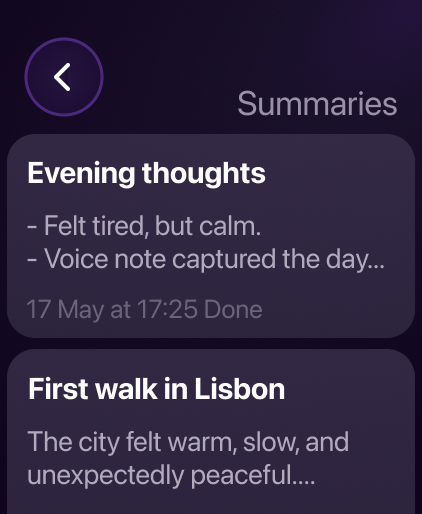
Your voice note becomes part of your Voice Memory workflow on iPhone.
Turn the recording into readable bullet points and editable markdown.
Keep the summary, transcript, and audio so you can find the memory when you need it.
Use cases
Apple Watch is perfect for short moments, quick thoughts that are worth saving but not worth typing. Learn how Voice Memory applies audio intelligence for personal voice notes.
Record ideas and reflections while walking without pulling out your phone.
Catch product ideas, writing ideas, and random thoughts the moment they appear.
Capture ideas by voiceSave a short emotional check-in or daily reflection from your wrist.
Explore voice journalingEnd your workday with a quick voice log of what you did and what to continue tomorrow.
Create a voice work logRecord what a place felt like while the moment is still fresh.
Save travel memoriesCapture small things you do not want to forget, without turning them into a full task system.
Build your memory bankBenefits
Apple Watch keeps the friction low when a thought shows up and your iPhone is not in your hand.
Start recording faster when your iPhone is not in your hand.
Capture thoughts while walking, commuting, or switching contexts.
You do not need to structure the note while recording. Voice Memory can turn it into clear bullets later.
Your watch recordings become part of the same searchable memory system on iPhone.
Save the small thoughts that are too easy to lose and too annoying to type.
Save the summary, transcript, and audio when you want to preserve both meaning and voice.
Example
Before
“Okay, quick thought — for the work log thing, I should remember that I tested the routing rule filters, found the weird empty state, and need to check pagination tomorrow.”
After
Comparison
| Regular watch recording | Voice Memory |
|---|---|
| Saves audio | Saves meaning |
| Hard to skim | Easy to read |
| Easy to forget | Searchable later |
| No structure | Clear AI summary |
| Audio-only | Summary, transcript, and audio |
Voice Memory is not just about recording more audio. It is about making short voice notes useful later.
Privacy and control
Voice Memory is built for personal thoughts, reflections, ideas, and everyday memories. You can review summaries before saving them, keep the transcript, and delete original audio when the written memory is enough.
Voice Memory works best for quick thoughts, reflections, ideas, work logs, and travel memories. It is not designed for long business meetings, lectures, phone calls, or team recording workflows.
Positioning
Voice Memory works best for quick thoughts, reflections, ideas, work logs, and travel memories.
It is not designed for long business meetings, lectures, phone calls, or team recording workflows.
FAQ
Yes. Voice Memory lets you capture short voice notes from Apple Watch, so you can save thoughts when your iPhone is not in your hand.
You can use them for quick ideas, voice journaling, daily work logs, travel memories, personal reminders, and small thoughts you want to remember later.
Yes. Voice Memory can turn short voice recordings into clear AI summaries that are easier to read and search later.
Yes. You can review and edit the markdown summary before saving it.
Yes. Voice Memory can save the full transcript together with the summary and original audio.
Voice Memory is designed for short personal voice notes rather than long meetings, lectures, calls, or team recordings.
Yes. You can keep the original audio when you need it or delete it later if the written summary is enough.
Voice Memory is an iPhone app with Apple Watch recording support. The watch helps you capture notes quickly, while the full memory workflow continues on iPhone.
Get started
Use Voice Memory to record short voice notes from Apple Watch and turn them into clear memories on iPhone.